

You publish, then move on
Videos with potential get buried because nobody revisits the thumbnail after launch.
KiThumbs keeps thumbnail performance visible after the upload.
KiThumbs tells you which backlog videos lose clicks, why they deserve a refresh, and how to generate stronger variants with real YouTube signals.
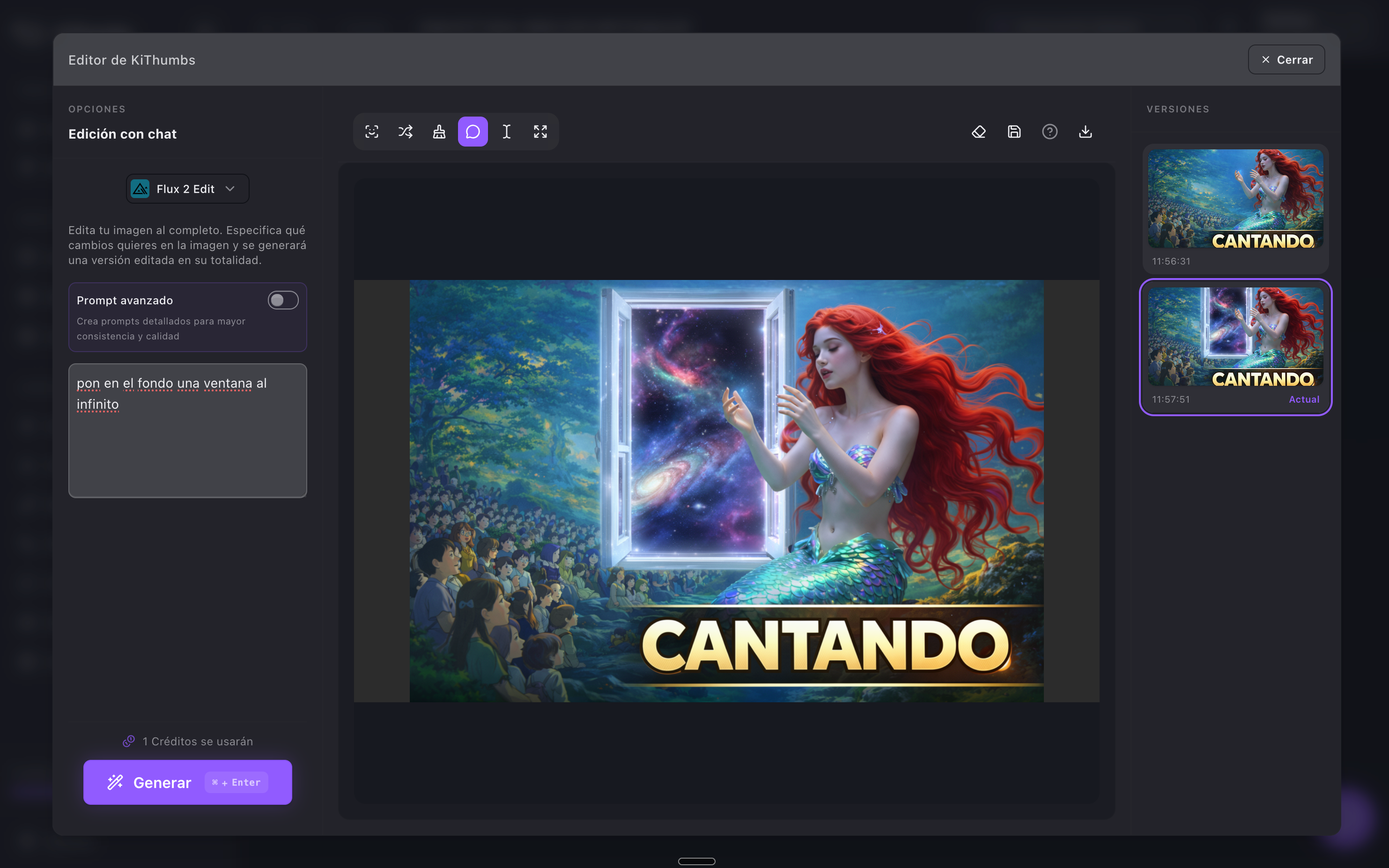
KiThumbs is the operating system for YouTube packaging refresh: prioritize which backlog videos to refresh, generate briefs and AI variants, and measure impact with official channel metrics.
Last updated: 2026-07-05
The problem
Videos with potential get buried because nobody revisits the thumbnail after launch.
CTR, impressions, views, and watch time only help if they point to a next step.
A video can have a good idea and still lose clicks because the packaging does not convince.
Designing a replacement is slower when you do not know what problem to solve.
Creators, editors, and agencies need the same information before changing a live asset.
Without a before/after view, it is hard to learn from each thumbnail change.
How it works
Bring in official YouTube signals such as CTR, impressions, views, and watch time.
See which videos are getting attention, which ones are losing clicks, and which thumbnails are worth refreshing.
Use the video metrics and content context to create stronger thumbnail directions with AI.
Keep variants organized, finish the asset, and move faster from design to a live thumbnail refresh.
Watch the next wave of YouTube metrics so each update teaches you what your audience responds to.
Find videos with impressions and CTR below expectations before opening the editor.
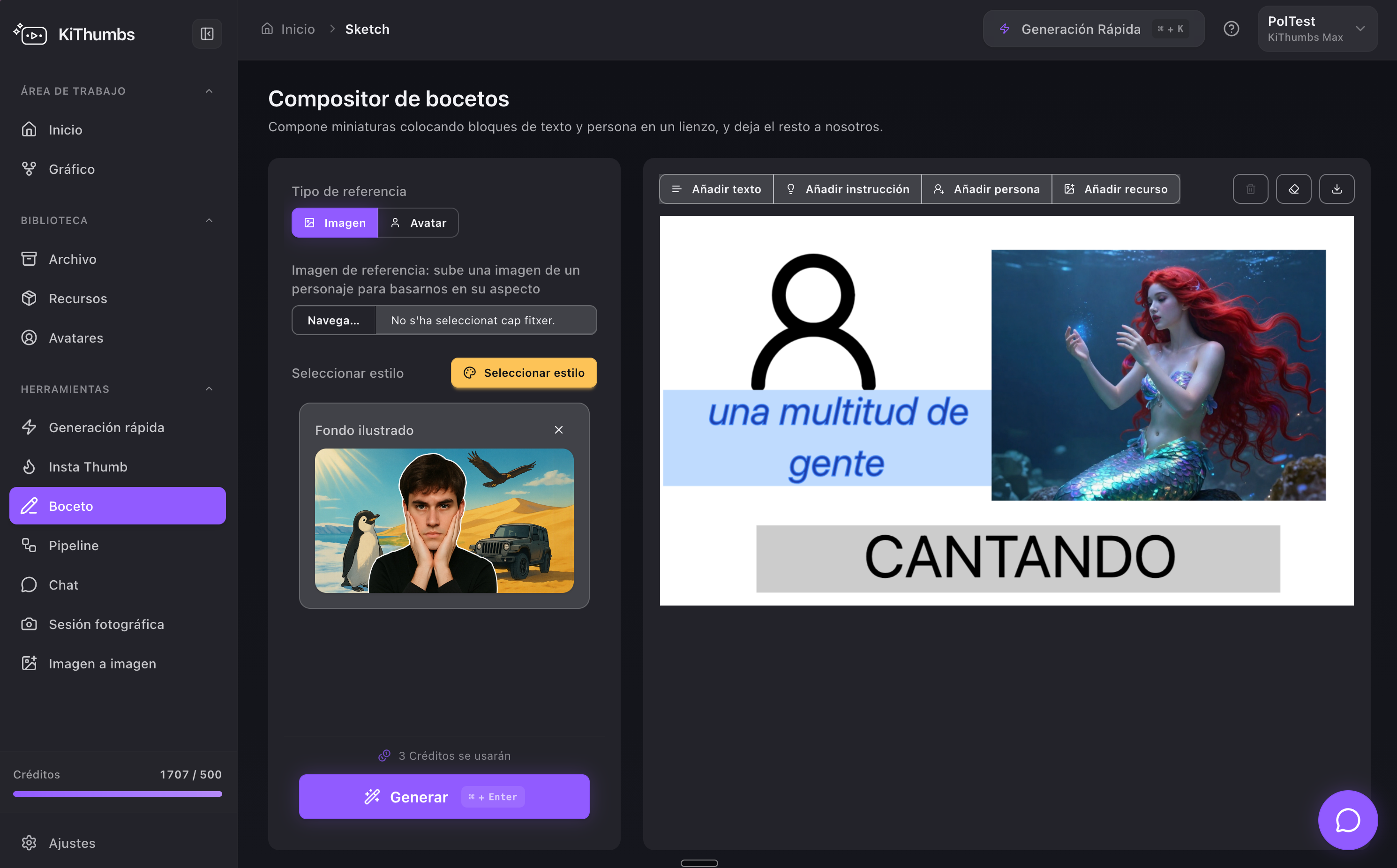
Every refresh starts with a clear reason: which signal is failing and what to test visually.
Share channel context, variants, and notes across creators, editors, and clients.
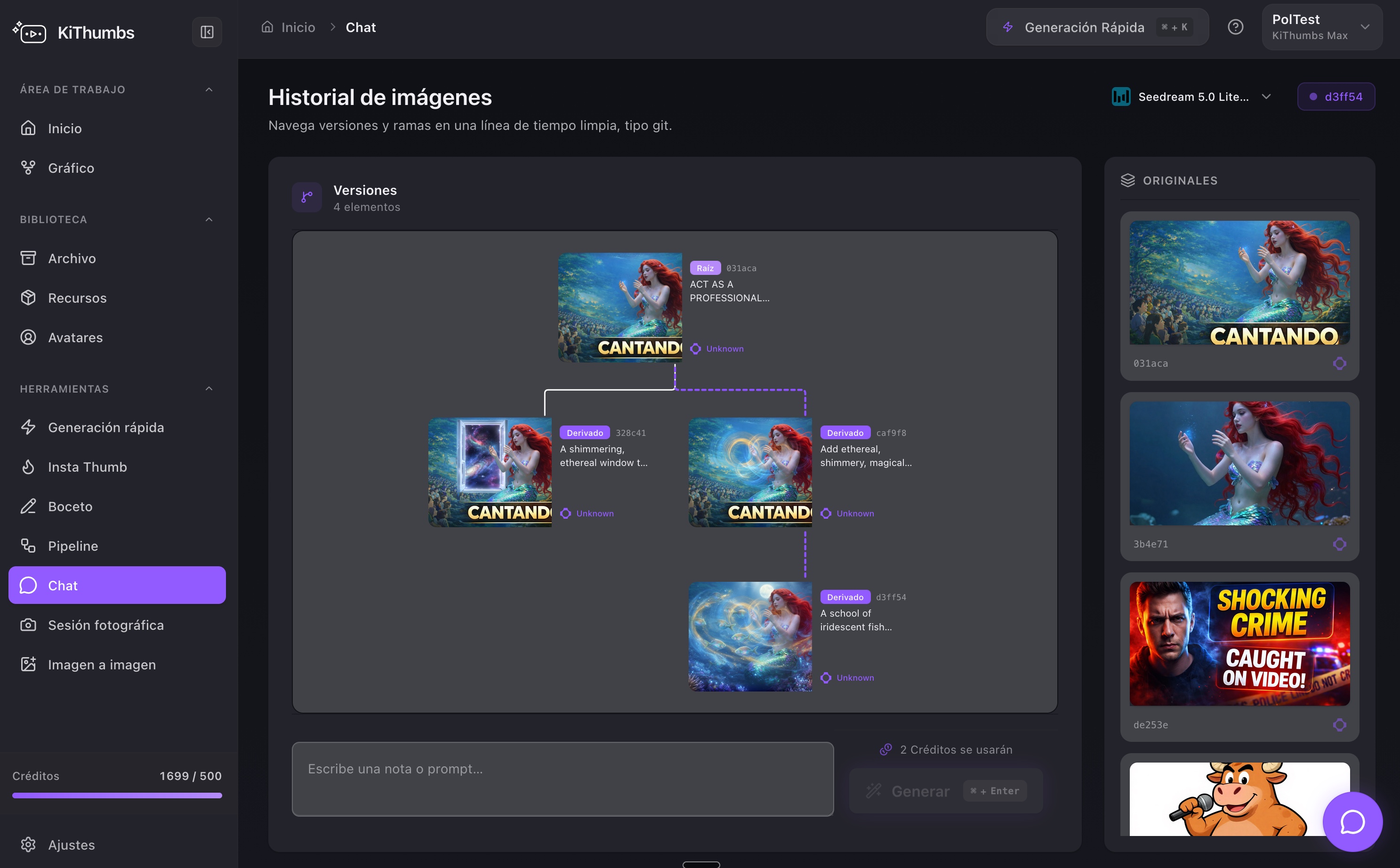
CTR, impressions, views, and watch time in the same place as the thumbnail that influenced the click.
Generate concepts with avatar, backgrounds, and sharper text once you know what problem to solve.
Compare before/after signals to repeat what works on the next video.
Prices in EUR. Annual includes 2 months free. Team and Agency+ plans activate with assisted onboarding.
2 months free
Monthly
FreeTest packaging before you publish
€0
Monthly
Thumbnail Roaster
Monthly
For active creators with one channel
€29
Monthly
15-25 thumbnails
Monthly
Most popularThe core plan for pro creators
€59
Monthly
50-80 thumbnails
Monthly
For small agencies and editorial teams
€179
Monthly
100-165 thumbnails
Monthly
For agencies and multi-channel networks
€349+
Monthly
200+ thumbnails
Credits control how much you generate. Channels control how many YouTube accounts KiThumbs monitors to detect refresh opportunities.
All paid plans include
Credits control generation volume. Channel limits control how many YouTube accounts KiThumbs monitors to detect signals and opportunities.
Yes. KiThumbs is designed around official YouTube signals such as CTR, impressions, views, and watch time when the channel grants access.
KiThumbs helps you generate and organize replacement thumbnails, and keep performance changes visible after each refresh.
KiThumbs is a web platform for YouTube creators that connects official channel metrics, AI thumbnail generation, and recommendations to decide which videos to refresh after publish.
Individual creators, editorial teams, and agencies publishing on YouTube who want to prioritize which backlog videos to refresh with real data.
It prioritizes videos with weak signals (low CTR with impressions, post-publish drops), suggests what to refresh, and helps you generate variants to measure impact with real data.
Team (€179/mo, 10 channels) and Agency+ (from €349/mo, 25+ channels) include shared workflow, reporting, and assisted onboarding. Contact us to activate them.
Yes. All public prices are shown in EUR. Annual billing includes 2 months free (10× the monthly price).
Yes. Thumbnail Roaster lets you preview your thumbnail in YouTube contexts and get a free readability analysis before publish — no account required.